
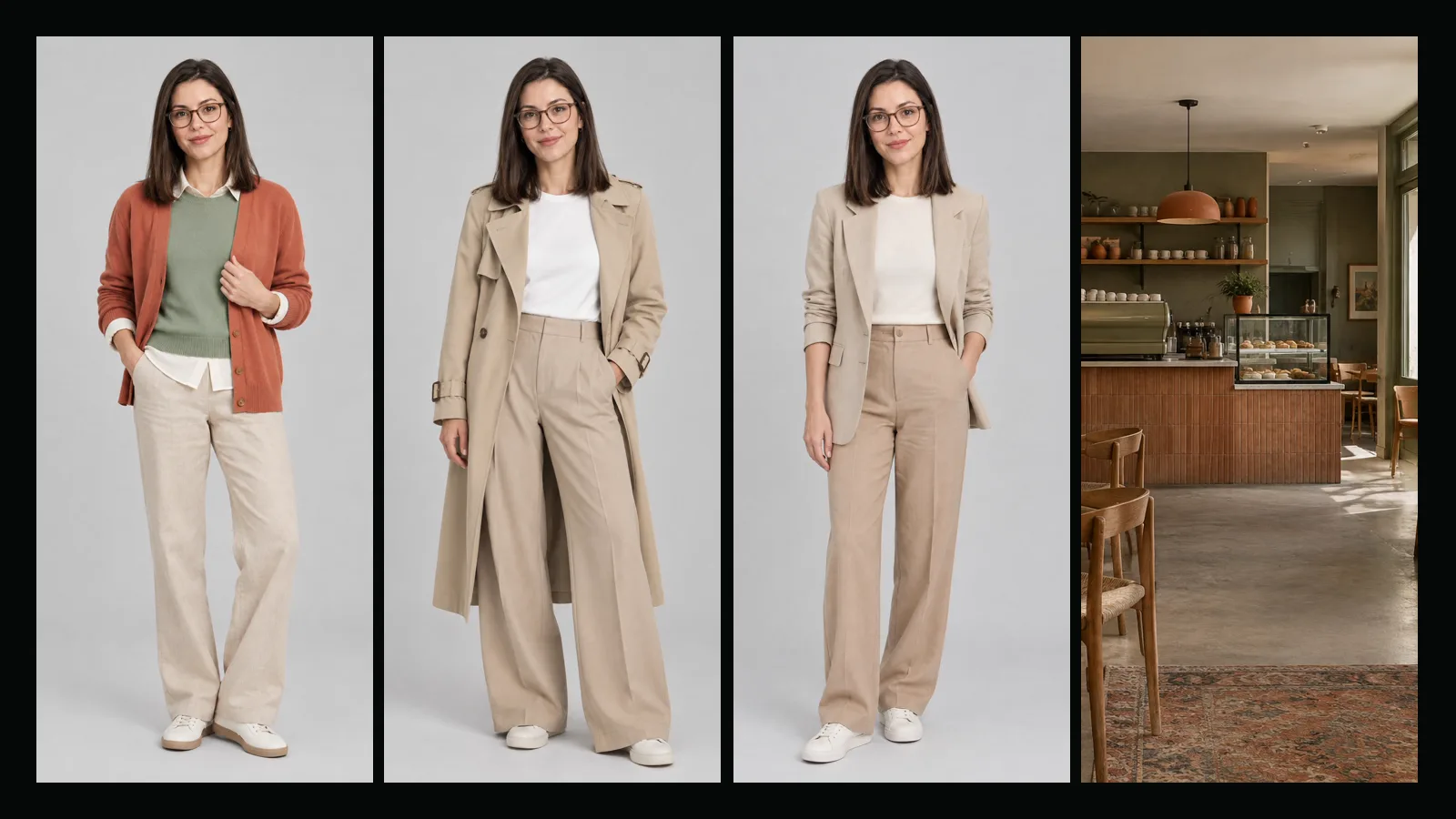
Audiences recognize a character long before they remember a face in detail. They remember the green knit, the desk by the window, the ferry rides. That is why AI Influencer Studio treats outfits and places as part of the character, not as one-off prompt details.
Start small
A capsule wardrobe of five or six pieces is enough. Pick pieces that combine: two tops, one pair of trousers, one knit, one layer for colder days, and one signature item. Mark the pieces that should appear only now and then as occasional. When you create the character, choose up to three wardrobe looks; each one becomes an outfit variant you can select later in any video.
Give the character a home
Three or four places are better than thirty. A work corner, a favorite café and one outdoor spot already tell a story. The studio creates an empty picture of each place you choose, and in the Video tab you can put any scene there. When you recreate a dance or a product demo, "Influencer's place" moves the clip into that setting while keeping the motion.
Fix a palette
Four colors with codes keep the look coherent across clothes, props and backgrounds. In our example, Lena Aras, the palette is off-white, sand, sage green and a terracotta accent. The palette is added to the direction of every scene video automatically.
Let Sam do the first draft
If you already know the character, write it down and press "Fill in with Sam". From a single paragraph Sam listed Lena's six wardrobe pieces, four places and four colors, and left everything the text did not mention untouched. The Sam guide shows the full example.
Frequently asked
Can I change the wardrobe later? Yes, the profile texts can be edited at any time. New wardrobe looks need a new image, so create a variant of the character.
Do wardrobe looks cost extra? Each look is one image at the normal per-image price, shown before you create.
Can I use my own product or garment photos? Yes. In the Video tab you can add product or clothing images to a scene or a recreation.