
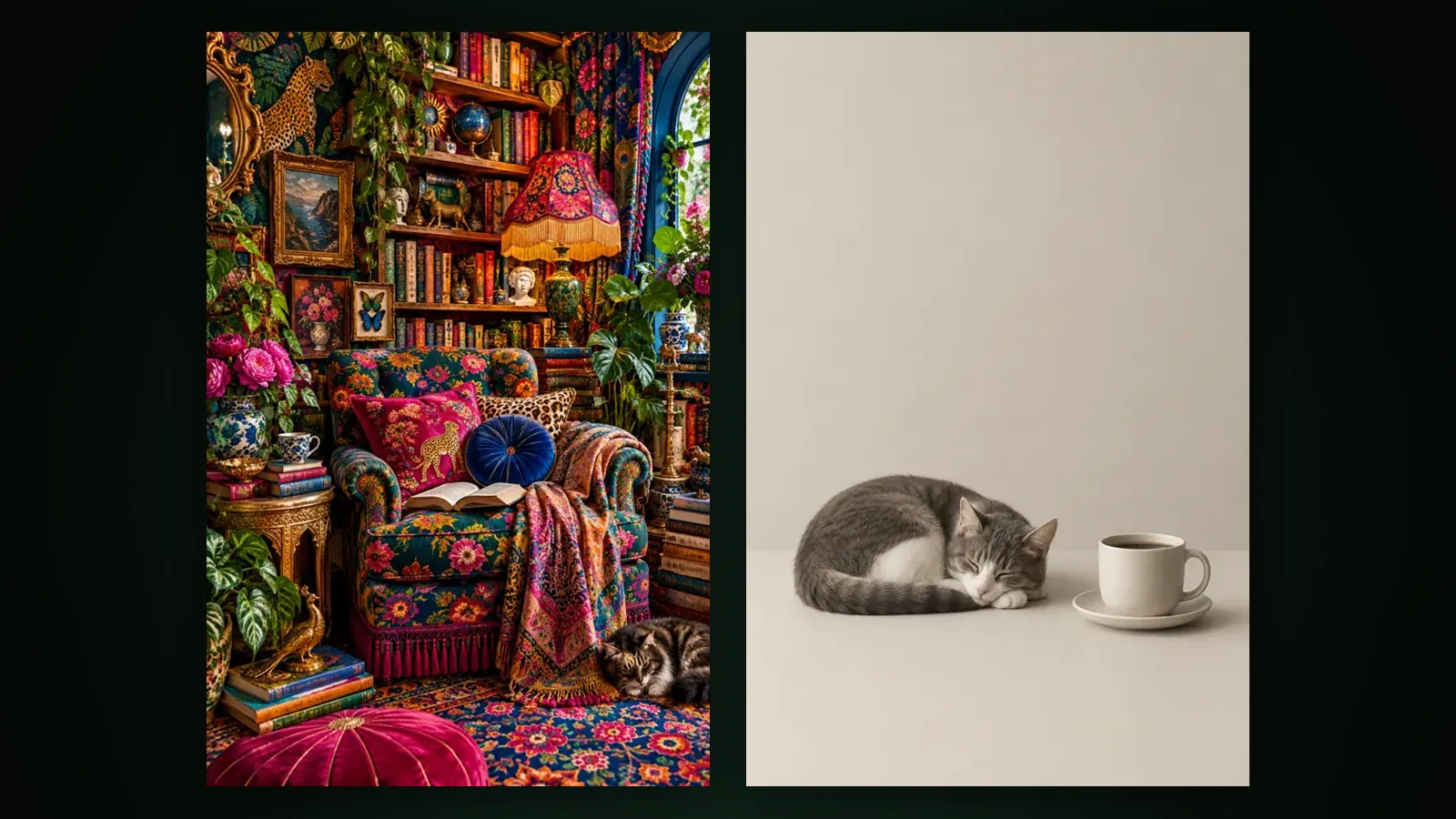
A negative prompt is a separate piece of text that tells a generative image or video model which elements you do not want in the result. The main prompt answers "what should be there", the negative prompt answers "what should not": for example text, watermarks, blur, extra fingers or a cluttered background.
This article covers how negative prompts work, why they do not have the same effect in every model, how to write a good one, the common mistakes, and the "Avoid" field in Yeşilçam Studios.
Where did negative prompts come from?
Negative prompts became popular around 2022, when diffusion-based image models spread through open-source tools. These models produce an image by cleaning noise away step by step. At each step the model makes two predictions: one guided by your prompt and one without it, the "unconditional" prediction. The result is strengthened by pushing the guided prediction away from the unconditional one. This method is called classifier-free guidance.
A negative prompt is a small but effective change to that mechanism: the prediction for the negative prompt takes the place of the unconditional one. At every step the model then not only moves towards your prompt but actively away from what you wrote in the negative prompt. That is why a negative prompt often works better than adding "no text" to the main prompt.
Does a negative prompt work the same way in every model?
No. The models in use today have different architectures and handle negative prompts in different ways. Broadly there are three cases:
| Model type | How the negative prompt is handled | In practice |
|---|---|---|
| Guided diffusion models | Enters the generation process directly as a separate parameter | Clear effect; overuse can wash the image out |
| Instruction-following image models | No separate parameter; things to avoid are written as a sentence in the main prompt | Effect depends on how well the model follows instructions |
| Video models | Some accept a separate parameter, some do not | Effect varies; even when the parameter is sent, the result is not guaranteed |
Instruction-following models have one trap: naming something can put it in the model's mind. "No red strawberries" leads some models to draw exactly that. So avoidance instructions should be short and clear, and where possible the thing you do want should be described positively.
How do you write a good negative prompt?
- Fix the main prompt first. If an unwanted element comes from a word in your prompt, removing that word works better than adding a negative.
- Use short nouns separated by commas: "text, watermark, logo, blur". Long sentences are unnecessary.
- Do not write "no" or "don't"; the negative field itself already means "not this".
- Do not contradict the main prompt. Writing "night" in the prompt and "dark" in the negative pulls the model two ways.
- Write the problems you actually see. Adding long just-in-case lists dilutes the effect and in some models simplifies and fades the image.
- Change one thing, look at the result, then move to the next. That way you know which word helped.
Which items are used most often in negative prompts?
- Text and marks: lettering, watermark, logo, signature, subtitles.
- Quality problems: blur, grain, oversharpening, compression artefacts.
- Anatomy: extra fingers, malformed hands, distorted face.
- Composition: cluttered background, cropped framing, extra people.
- Style drift: photographic look, 3D render, cartoon, glossy light (for example when making an ink painting).
Negative prompt examples by type of generation
The table below can serve as a starting point. Rather than copying these as they are, pick only the problems you actually see in your results.
| Generation | Common problem | Example negative prompt |
|---|---|---|
| Portrait | Malformed hands, artificial skin | extra fingers, malformed hands, plastic skin, heavy retouching |
| Product photo | Fake lettering, messy background | text, logo, watermark, cluttered background, reflections |
| Logo and flat design | Unwanted texture and shadow | gradient, shadow, texture, 3D look, photo |
| Landscape | Unwanted people and vehicles | people, cars, power lines, text |
| Ink painting | Drift into photography | photographic look, 3D, glossy light, saturated colour |
| Video | Flicker and morphing | flicker, morphing face, sudden cut, motion blur |
Negative prompt or positive rephrasing?
Many problems are solved more cleanly by describing what you want instead of banning what you do not. A negative prompt tells the model what to avoid, but not what to put in its place; the model fills the gap. A positive phrasing fills the gap with your choice. For example:
- Writing "plain light grey studio backdrop" in the main prompt instead of "cluttered background".
- Writing "sharp focus, crisp detail" instead of "blur".
- Writing "soft, bright daylight" instead of "dark".
The best results often come from using both: describe what you want clearly in the main prompt, and put in the negative prompt only the elements that keep appearing anyway.
Why do negative prompts behave differently in video generation?
In video, some problems appear not in a single frame but in the relationship between frames: a face changing shape within a few seconds, objects flickering, motion suddenly speeding up. Such temporal problems can be written into a negative prompt, but the effect is less pronounced than in image models. More reliable routes in video are generating from a good start frame with image-to-video, describing motion as slow and in one direction, and keeping the clip short. We cover why image-to-video is more controllable in a separate article.
How do you test the effect of a negative prompt?
- Generate a result with the same main prompt and no negative prompt, and note the problem.
- Add only one or two words for that problem to the negative prompt and generate again.
- Compare the two results side by side; keep the word if the problem shrank, remove it if not.
- Move on to the next problem. Adding words one at a time is the only reliable way to see which one works.
Because every generation from a generative model is a little different, do not rely on a single comparison; run a few attempts where you can.
What are the common mistakes when writing negative prompts?
- Treating the negative prompt as the only fix: some problems are solved by a reference image, a start frame or a clearer main prompt.
- Assuming weighting syntax works everywhere: some tools have their own weighting notation, while others read it as plain text.
- Very long lists: dozens of words dilute the effect.
- Trying to solve person or character consistency with a negative prompt; that needs reference-based methods. We cover the subject in detail in the character consistency article.
- Trying to remove a platform watermark with a negative prompt: a negative prompt reduces fake lettering and marks that the model paints into the image, but it does not affect a watermark added after generation. We explain the types of watermark in the watermarking article.
What are the common myths about negative prompts?
- "The longer, the better." Quite the opposite; long lists dilute the effect and reduce the weight the model gives to the words that really matter.
- "A negative prompt bans things." It is a nudge, not a ban; the model moves away statistically, but the element can still appear.
- "A list that works in one tool works in every tool." Models are trained on different data with different methods, so the same words can give different results.
- "Generic quality words are always needed." Blanket quality words that helped some older models often make no difference in newer ones.
How do you use negative prompts in Yeşilçam Studios?
As of October 2026 every generation form in Yeşilçam Studios has an optional "Avoid" field under the main prompt: Film Studio, Image Studio, Animation, Design and Website Studio, plus the Maket and Fashion Try-On forms. The field starts collapsed; when you open it, you list what you don't want, separated by commas. Up to 500 characters are allowed. If you leave it empty it is skipped and generation works as before.
What you write is passed on in the way that suits each kind of generation: to the negative parameter in models that support one, and as an avoidance instruction in the prompt for those that do not. In multi-step jobs such as image-to-video, template chains and regenerations, the field is carried to the following steps too. Because of the model differences described above, the result is still not guaranteed; if an element keeps appearing, review the main prompt as well. For the details of the field in the interface, see the "Avoid" field guide.
Frequently asked
Is there a difference between a negative prompt and writing "no" in the main prompt? In models with a separate negative parameter, yes; the model actively moves away from the negative prompt. In models without one, the two work similarly and the effect depends on how well the model understands the instruction.
What language should a negative prompt be written in? In Yeşilçam Studios you can write the field in your own language. In other tools, the language the model understands best is usually English.
How long should a negative prompt be? Usually a few words to a few dozen words is enough. In Yeşilçam Studios the limit is 500 characters.
Does a negative prompt remove the Free plan watermark? No. The watermark on Free plan outputs is added after generation and depends on the plan; a negative prompt only reduces lettering and marks the model paints into the image.
Does a negative prompt always work? No. Its effect varies by model and can be weak, especially in some video models. Making the main prompt clearer and using a reference image often gives more reliable results.