
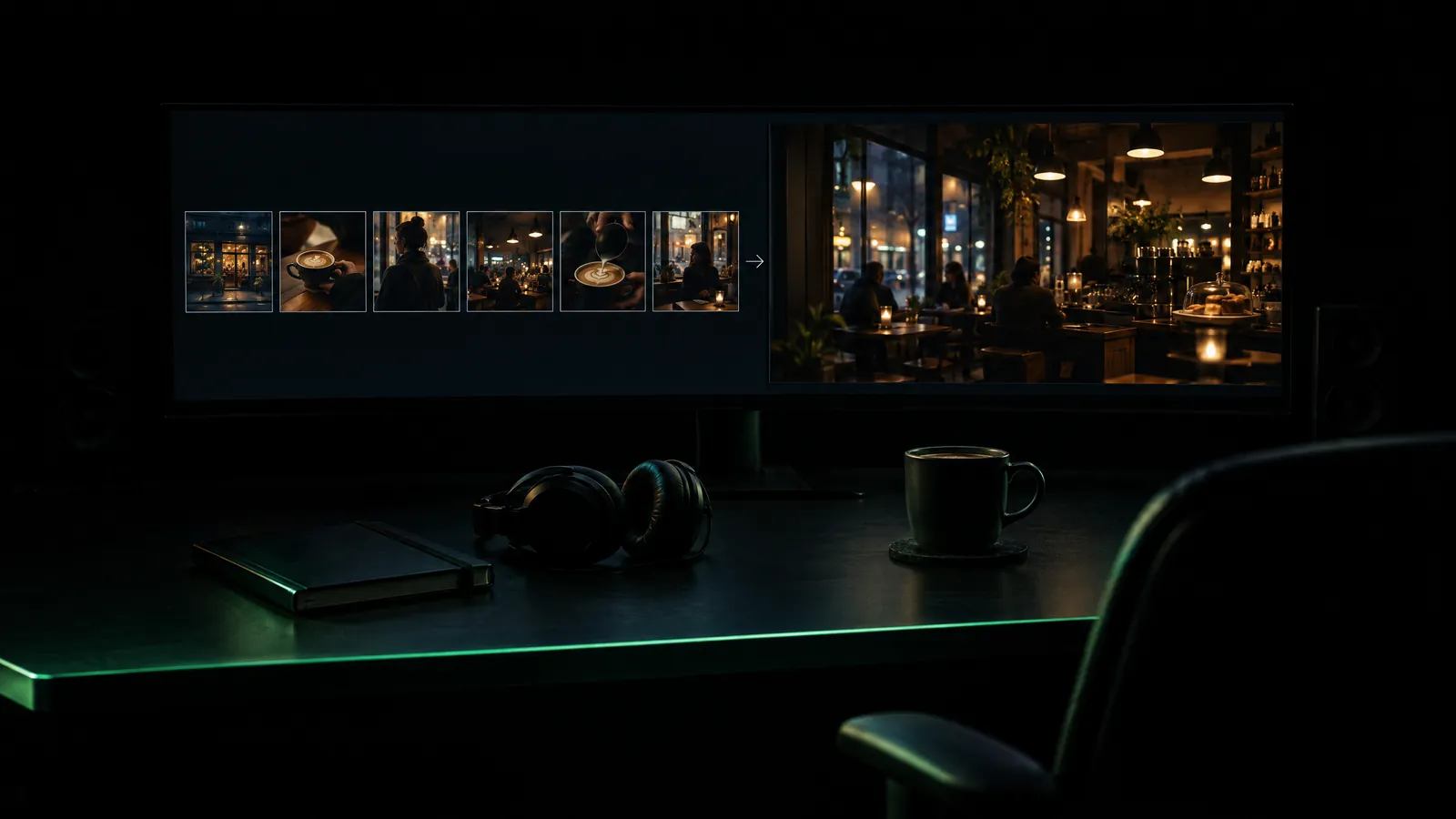
Short answer: There are three ways to make a video with AI: text to video (you write a prompt and the model invents the scene), image to video (you animate a single frame) and a story-to-film pipeline (screenplay, characters, storyboard, clips and sound are produced in order). The first two are enough for short, single-shot jobs; for work with characters, sound and several scenes, a pipeline breaks down far less.
Most first attempts stall in the same place: you write a sentence and get an impressive five-second clip; in the second clip the hero's face has changed, the sign in the background has turned into gibberish, and there is no sound at all. The problem is usually not the tool but the route you picked. This guide covers the three routes, which one suits which job, the steps for your first 30-second video, and the cost in tokens and dollars. For a detailed comparison of text to video and image to video, see the text to video vs image to video article; we will not repeat that detail here.
How many ways are there to create a video with AI?
There are three, and each starts from a different input. With text to video you write only a prompt; the model invents the set, the light, the subject and the motion on its own. With image to video you supply a starting frame and the model animates it. In a story-to-film pipeline, text becomes a screenplay, and the screenplay becomes characters, storyboard frames, clips and sound, with each stage approved separately.
- Text to video: The fastest way to start. It suits shots without a recurring character: an opening shot, a landscape, weather, abstract motion. Its weakness is that it has no memory: run the same prompt twice and you get two different worlds.
- Image to video: The composition and the subject are fixed from the start; the model only adds motion and camera movement. It is the right door for any shot where a specific product, person or drawing must appear. The motion, however, is limited by the edges of the frame.
- Story-to-film pipeline: For work with several scenes, characters and narration. Each clip is still made with image to video, but every one of them draws on the same character bible and style description, so faces do not drift from scene to scene.
The three routes are not mutually exclusive. A well-built short film often generates its opening from text and its character scenes from images, then joins them in one pipeline. The article on what an AI film studio actually does explains why this order cuts waste.
Which route fits which job?
Three questions are enough to decide: is there a recurring character or product on screen, how many seconds will the video run, and do you need sound and speech? If there is no recurring subject and the job is under 10 seconds, text to video is enough. If the subject is defined, choose image to video. If there are several scenes, characters and sound, use a story-to-film pipeline.
| What you need | Recommended route | Why | Watch out for |
|---|---|---|---|
| A 5-second atmosphere shot for social media | Text to video | No preparation needed | Every attempt gives a different result |
| Your product photo rotating or zooming in | Image to video | The product stays in frame and keeps its shape | Text printed on the product may warp |
| Animating a family photo or a drawing | Image to video | Face and composition come from your own frame | Consent and labeling |
| A story with characters, 30 to 90 seconds long | Story-to-film pipeline | The character bible ties the scenes together | Read the screenplay first |
| A narrated training or promo video | The pipeline's narration and music steps | The audio is built to the film's length | Add on-screen text in the edit |
| A promo film for your website | A promo flow that starts from the site URL | Real footage of the site is used | Extra cinematic shots are charged separately |
How do you make your first 30-second video, step by step?
Thirty seconds means six scenes of five seconds each. First write the text scene by scene, then check each scene with a cheap draft frame, animate the frames you keep, and finally add voice and music and assemble. Because this order sends only approved frames to the expensive video step, it reduces regenerations and wasted tokens.
- Write a one-sentence goal. Something like "Show our coffee shop opening in the morning, with a warm mood." Without a clear goal, scene choices become random.
- Split the text into six scenes. Each scene should carry one place, one action and one image. "She was happy" cannot be filmed; "she holds the cup with both hands and smiles" can.
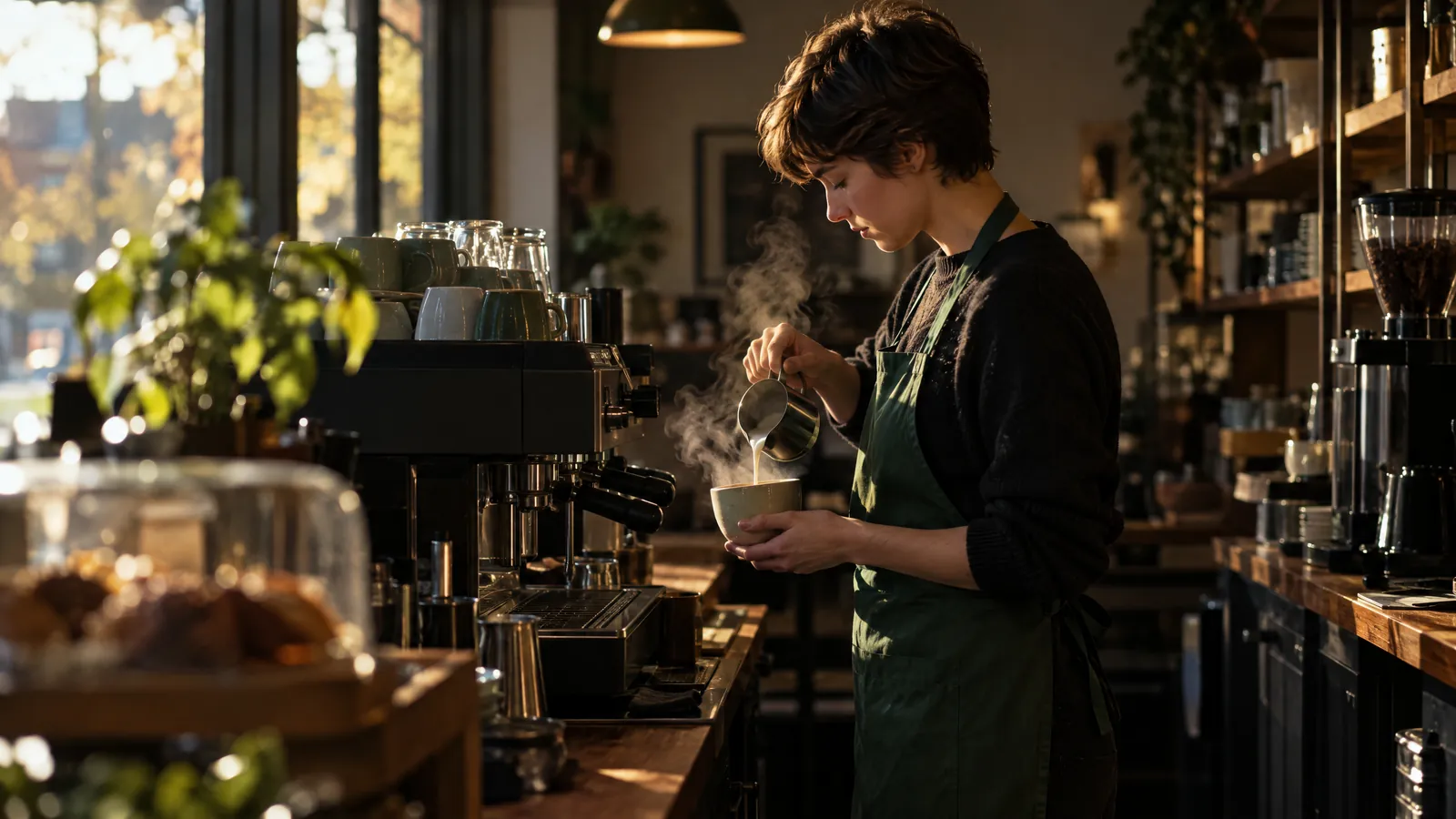
- Describe the character once, with concrete detail. A description like "barista with short brown hair and a green apron" is the anchor every later scene holds on to.
- Generate the storyboard frames at the draft tier. Composition, framing and light are decided here, where mistakes are cheap. Fix the text of any frame that comes out wrong.
- Animate the frames you keep. For short scenes with little motion, the Standard tier is often enough; move only the opening or the shot where the emotion turns to a higher tier.
- Add voice and music. Keep narration sentences short. If a character speaks on screen, lip sync is a separate step.
- Assemble and export. Choose 9:16 for vertical video platforms and horizontal 16:9 for a website; 1080p is enough for most uses.
This flow is walked through screen by screen in the your first film guide. A note on the arithmetic: at 24 frames per second, the cinema standard since the late 1920s, 30 seconds is 720 frames. Since every second has a price, keeping the length to what the story really needs is the most direct saving.
How do you write a good video prompt?
A good prompt describes the shot the way a cinematographer would: subject, action, camera, light and style, in that order. With image to video you do not describe the subject again; you write only what changes: the motion, the camera move, the expression. Describing the subject again invites the model to redraw it, and the character drifts.
An example for text to video: "A small coffee shop in morning light, a barista in a green apron fills a cup at the counter, the camera slides slowly from right to left, shallow depth of field, documentary tone, no text on screen." The image to video prompt for the same shot describes only the motion: "The barista lifts the cup and holds it out toward the camera, the camera pushes in slightly, steam rises."
- Put the style sentence first; models give more weight to the start of a prompt.
- Ask for one action per shot. "Runs, falls, gets up and laughs" is four separate scenes.
- Use directions such as "on the left" or "in the background" when you need them, but do not count on them; models often ignore spatial instructions.
- Put negative instructions ("no text, no border, no logo") at the very end.
- Do not try to generate text that must be readable on screen through the prompt; add it as a text layer in the edit.
How much does it cost to make a video with AI?
Video clips make up most of the cost; the screenplay, storyboard and music are small next to them. A clip's price depends on two things: the quality tier and the number of seconds. As of October 2026, the Yeşilçam price list puts a 5-second Draft clip at 122,501 tokens and a Standard clip of the same length at 166,251 tokens.
| Tier | Length options | Clip price (tokens) | ≈ $ at the Basic rate | Tokens per second |
|---|---|---|---|---|
| Draft | 5 or 10 s | 122,501 / 245,001 | 0.74 / 1.47 | 24,500 |
| Standard | 5 or 10 s | 166,251 / 329,584 | 1.00 / 1.98 | about 33,000 |
| Cinema | 4, 6 or 8 s | 175,001 / 262,501 / 350,001 | 1.05 / 1.58 / 2.10 | 43,750 |
| Cinema Pro | 4, 6 or 8 s | 466,668 / 700,001 / 933,335 | 2.80 / 4.20 / 5.60 | about 116,667 |
The dollar column is calculated from the Basic plan's monthly allowance: $30 for 5 million tokens, so 1 million tokens is about $6. Without a plan, the one-off Starter pack costs $9 for 1 million tokens. On the Pro plan every operation is charged with a ×0.8 multiplier, so it uses 20 percent fewer tokens.
Sample budget for 30 seconds
For a 30-second video with six scenes at the Standard tier, music and no narration, the line items add up as follows under the pipeline's default flow:
- Six storyboard frames: 6 × 4,376 = 26,256 tokens
- Six keyframes: 6 × 11,667 = 70,002 tokens
- Six 5-second Standard clips: 6 × 166,251 = 997,506 tokens
- One music track: 29,167 tokens
- Assembling the film 5,834 tokens, 1080p render 202 tokens
The total is 1,128,967 tokens, about $6.77 at the Basic rate. The Basic plan's monthly allowance of 5 million tokens covers four videos of this kind, but not a fifth. If you generate the clips at the Draft tier, the total drops to 866,467 tokens (about $5.20); on the Pro plan the Standard version uses 903,174 tokens. Adding a character bible (core bible 160,417 tokens) or lip sync for a speaking character (29,167 tokens per line) raises the price. You will find the budget for a longer film in the length and cost guide, and the cost structure across the industry in the cost anatomy article.
Can you make AI videos for free?
Partly. Free plans exist for trying things out, not for regular production. As of October 2026, Yeşilçam's Free plan gives 250,000 tokens a month but charges every operation with a ×1.3 multiplier. A 5-second Draft clip on this plan costs 122,501 × 1.3 = 159,251 tokens. In other words, the monthly allowance covers one 5-second clip, but not a second.
On the Free plan the Draft and Standard tiers are available, the Cinema tiers are locked, and video and image outputs carry a small watermark in the bottom-right corner. Three draft images a month are free, which is enough room to test composition and style. The cleanest approach is to use the free plan to settle the style and the story, then produce the final version on a subscription; the differences are in the plans and watermark guide. With any service that promises "completely free and unlimited", also read the quality limit, the watermark and the terms for commercial use separately.
Where do video models break down?
The known weaknesses of video models cluster in a few places: on-screen text, hands, character continuity between scenes, the short length limit, and fast or complex motion. Most of these come from the fact that the model generates every clip as an independent probability calculation. That is why the fix is usually in the workflow rather than in the prompt.
| Problem | What it looks like | What to do |
|---|---|---|
| On-screen text | Gibberish letters on signs and labels; more frequent with special characters such as the Turkish ğ, ş and İ | Add text as a layer in the edit and say "no text" in the prompt |
| Hands and fingers | Extra or fused fingers, a hand melting into the object it holds | Keep hands still or out of frame, and choose short clips |
| Character continuity | Face, hair and clothing change from scene to scene | A character bible plus image to video from a keyframe |
| Length limit | Clips run 4 to 10 seconds; toward the end of long clips the face starts to drift | Split the story into short shots and let narration carry the cuts |
| Fast motion and physics | Fights, running, spilling liquid and crowds fall apart | Break the action into pieces and keep crowds in the background |
| Lip sync | On long lines, mouth and voice drift apart | Keep lines under twelve words |
We explain in detail why character continuity is hard and which techniques work in the consistent characters article.
How do you choose between AI video creation sites?
First decide which category you are looking in: video generators that make single clips, tools that make talking-presenter (avatar) videos, template-based editing tools and story-to-film pipelines all do different jobs. Then check whether the price is shown before generation, whether failed generations are refunded, and how well the voices handle your language.
- Is the price visible before generation, or do you find out at the end of the month?
- Are failed generations refunded automatically?
- Do you choose the quality tier per scene or per project?
- Is there a tool that keeps the character consistent across scenes (a reference sheet, a character bible)?
- Is the interface and narration available in your language, and have you tested the pronunciation with a sample?
- What are the watermark and the commercial-use limits on the free plan?
- Do the output formats and aspect ratios (MP4, 9:16, 16:9) fit your work?
Some chat assistants can connect to a video model and generate short clips; most are stronger at writing prompts, screenplays and scene breakdowns. Writing the screenplay with an assistant and producing it in a video studio is a common and sensible division of labor.
How does the story-to-film pipeline work in Yeşilçam Studio?
Yeşilçam Studio turns a written story into a film stage by stage and shows the token cost of each stage before you approve it. You paste the story; then come a screenplay with a scene breakdown, a character bible, a storyboard frame for each scene, image and video, and finally voice, lip sync, music and assembly.
- You paste a story or text; the screenplay step splits it into scenes that carry a summary and dialogue cues. This stage is text, so reading and fixing it is cheap.
- The character bible opens: a consistent face, costume and voice. The core bible is 160,417 tokens and the full bible 291,667 tokens.
- Each scene gets a storyboard frame (4,376 tokens per scene). Changing a wrong frame here is far cheaper than changing it in a finished clip.
- The frames you keep become keyframes (11,667 tokens) and turn into clips at the tier you choose: Draft, Standard, Cinema or Cinema Pro.
- Lines are read in the character's voice; lip sync (29,167 tokens) and a music track matched to the film's length (29,167 tokens) are added.
- The film is assembled (5,834 tokens) and rendered in 720p, 1080p or 4K (100, 202 or 601 tokens); it downloads as MP4, WebP or GIF.
You choose the tier per scene, not per film. As of October 2026, an 8-second Cinema clip costs 350,001 tokens and a Cinema Pro clip of the same length 933,335 tokens. Reserving the expensive tier for the opening and the one or two shots where the emotion turns therefore protects the budget; we cover tier choice in the draft, standard, cinema article. Failed generations are refunded automatically, and the current table is always on the pricing page. If you want a short, animated story for social media, Inkmation in the same studio produces in 11 platform aspect ratios.
What does AI video not solve?
AI video is strong at showing something that does not exist and weak at documenting something that does. If you need to show your real factory, your team, the real texture of your product or an event, a camera and a crew are still the right route; generated footage can only imitate them.
- Documentary value: News, interviews, customer case studies, real use of a product. Generated footage reduces trust here.
- Real and well-known people: Generating a person's face or voice without permission is a legal and ethical risk. Depending on where you publish, you may also need to state clearly that the content was made with AI.
- Long, subtle acting: Long single takes, subtle facial expressions and long dialogue between two characters push current models to their limits.
- Broadcast specifications: Television broadcast or a cinema screening requires color, audio and delivery standards; that job needs a post-production team.
- The feel of a brand film: In a brand film meant to run for years, the experience of the director, the actors and the cinematographer makes the difference.
Even in these cases, using AI at the idea stage is valuable: with a storyboard and a rough animatic you take a much clearer brief to your agency or team. The article on why storyboards still matter covers this intermediate step.
Frequently asked questions
How many scenes are in a one-minute AI video? Usually 6 to 8. Because Draft and Standard clips run 5 or 10 seconds and Cinema clips 4, 6 or 8 seconds, a 60-second target falls in that range. A four-minute story becomes around 30 scenes.
How long does it take to generate a video clip? At the fast tiers a 5- or 10-second clip is usually ready in a few minutes; the cinematic tiers are slower. The time for the whole film depends on the number of scenes. While clips are generating, you can watch the job queue and keep working on other scenes.
Can I use a video made with AI in commercial work? On the Basic and Pro plans outputs are watermark-free and can be used in client work, ads and publications; the Free plan adds a small watermark. Content that resembles a real person, another brand or a copyrighted character needs separate permission; the details are in the terms of use.
Can I make an AI video with Turkish voiceover? Yes. Yeşilçam works in six languages; it voices Turkish narration and character lines, and for speaking characters lip sync is added as a separate step. Writing numbers, abbreviations and foreign proper names in the text the way they are spoken noticeably improves pronunciation.
Should I start from text or from an image? If a specific person, product or drawing must appear on screen, start from an image, because the composition comes from your own frame. If there is no recurring subject, such as a landscape or an opening shot, text to video is faster and needs no preparation.