
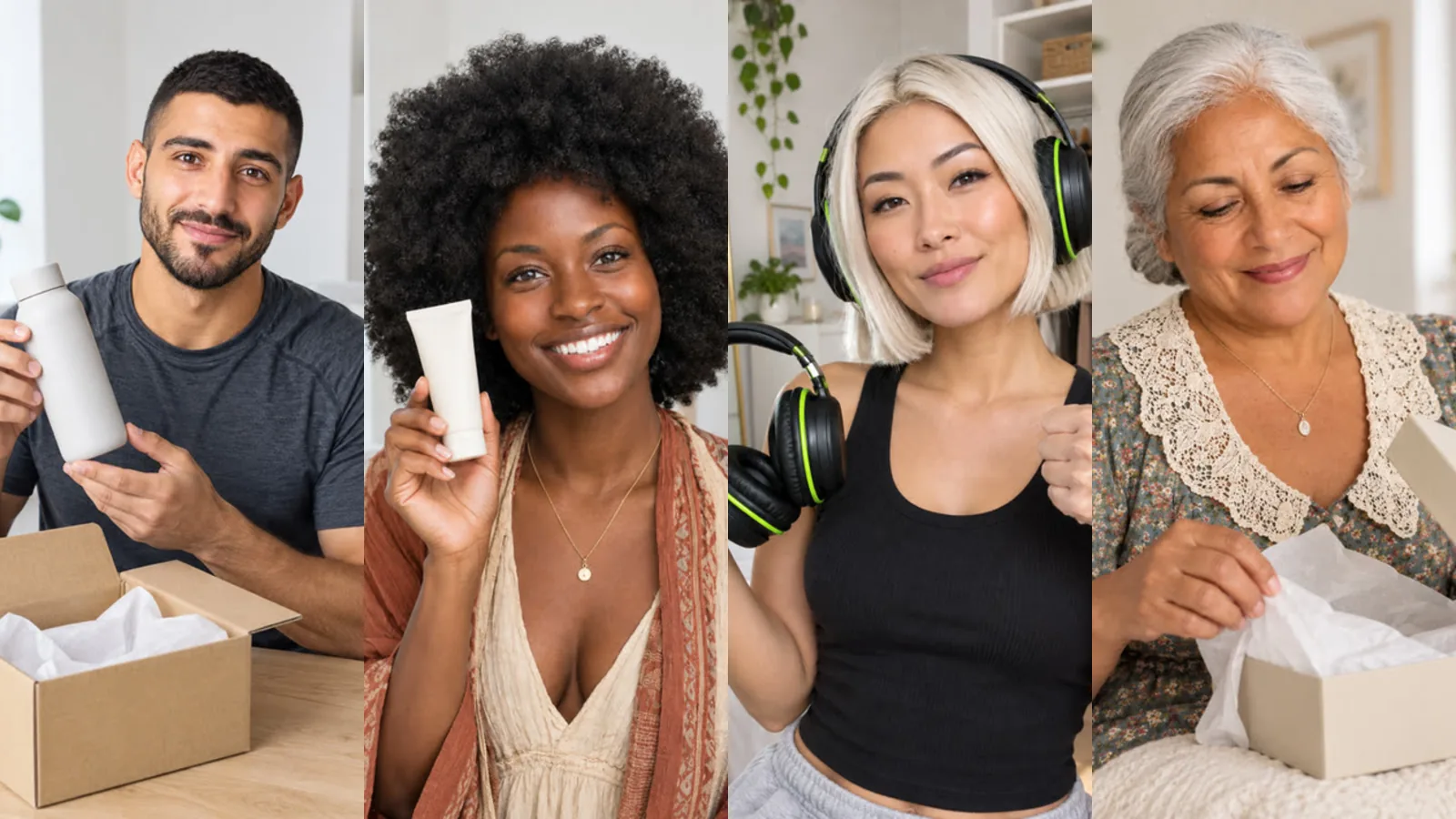
Online shops live on product videos: every new item, every campaign, every marketplace listing asks for one. Filming each product with a presenter is expensive and slow. With AI Influencer Studio you can give your shop one recognisable presenter and turn product photos into videos in minutes. Here is a practical workflow.
One presenter, many products
Create a single influencer that fits your brand and audience, with two or three wardrobe looks. Consistency is the point: a returning face makes a catalogue of videos feel like one brand rather than a pile of ads. If you want, add a location image that matches your brand's style so scenes feel like your world.
The scenes that sell
The "Product & promo" category was made for shops: Product review, Unboxing, Product reveal, UGC testimonial and ASMR unboxing. Add your product photo, write one line of direction, and choose a voice-over or lip sync. For fashion and beauty, try the Try-on haul, Get ready with me and Outfit transition scenes, or recreate one of our outfit-change templates with your character.
Tip: use a clean product photo on a plain background. The studio uses your product image as a reference, and clearer input gives a more faithful product in the video.
A one-minute product tour
For a hero product, use the Long video tab: up to four product images and, if you sell online, a screenshot of the product page. Choose "Talking + cutaways" and let Sam plan it. A typical result: a talking hook, product shots of each angle with narration about one benefit each, a screen shot of the product page and a talking close. Add subtitles (most people watch without sound) and your end card with the shop link. Details are in the long video guide.
New arrivals every week, automatically
An influencer automation can keep your channel moving: industry "sustainable home products", two videos a week, 30 seconds, pattern Tips or How-to, with your brand details for the call to action. With "Show me first", you approve each script before production. The monthly cap keeps spending predictable; see the budget guide.
The line you should not cross
A scene called "UGC testimonial" is a format, not a customer. Do not present your AI influencer as a real buyer, and do not invent reviews, ratings or results. Say what the product is and does, in your own words, and let real customers' reviews speak for themselves. Many platforms also ask creators to label realistic AI-generated content; check the rules where you post. Keep claims you would not print on the product page out of the script.
What does it cost?
A 5-second Draft product scene costs 98,001 tokens on Pro (base 122,501), plus voice-over per 100 characters; the multi-character version costs the same. A one-minute product tour depends on its storyboard and is quoted before production. Current numbers are on the pricing page.
Frequently asked
Will the product look exactly like mine? In scenes the product is generated from your photo, so check details such as small print. When exactness matters, add the photo as a screenshot in a long video: Screen shots show the image unchanged, with a slow zoom.
Can two presenters compare products? Yes. A scene video can include up to three characters, each with a role and its own voice-over line.
Who owns the videos? You do. Your outputs belong to you and are private in your library until you choose to share them.