
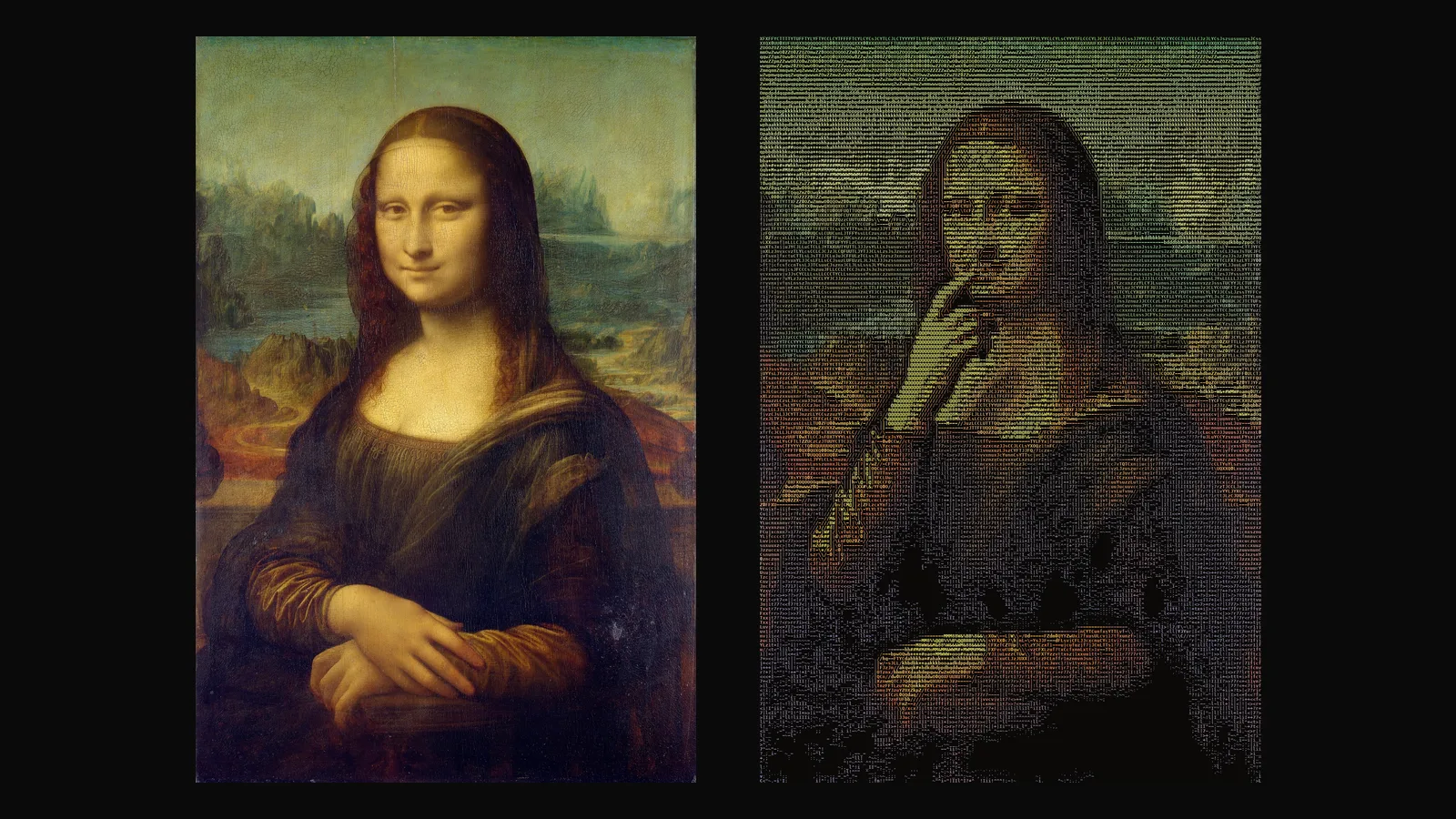
Animation Studio has a new style: Glyphmation. It takes an image, brings it to life with a short motion and turns the result into an ASCII film, a moving picture drawn entirely with characters. The colors of your image stay, and the characters stay calm instead of flickering from frame to frame. You get an MP4, and if you like, a GIF and an HTML version that plays in the browser as real text.
How does it work?
- Pick an image from your library or upload one.
- See the preview. The ASCII version of your image appears at once, made in your browser and free. Change the columns, color or canvas and it updates immediately.
- Describe the motion in a sentence, for example "she raises her hand, scratches her nose and returns to the start". Improve with Sam turns your idea into a clear motion prompt with the camera kept still.
- Return to start is on by default, so the film loops seamlessly.
- Create. A 5 second video is made, then the stable ASCII film is rendered.
What can I set?
Columns (80, 120, 180 or 240; 180 keeps faces readable), color (the colors of your image, or green, amber, white or cyan for a terminal look), a dark, light or automatic canvas, a character set (Standard, Blocks or Letters only; Blocks is the most readable), and whether flat areas stay empty (Clear flat areas). MP4 is always included; HTML and GIF are optional.
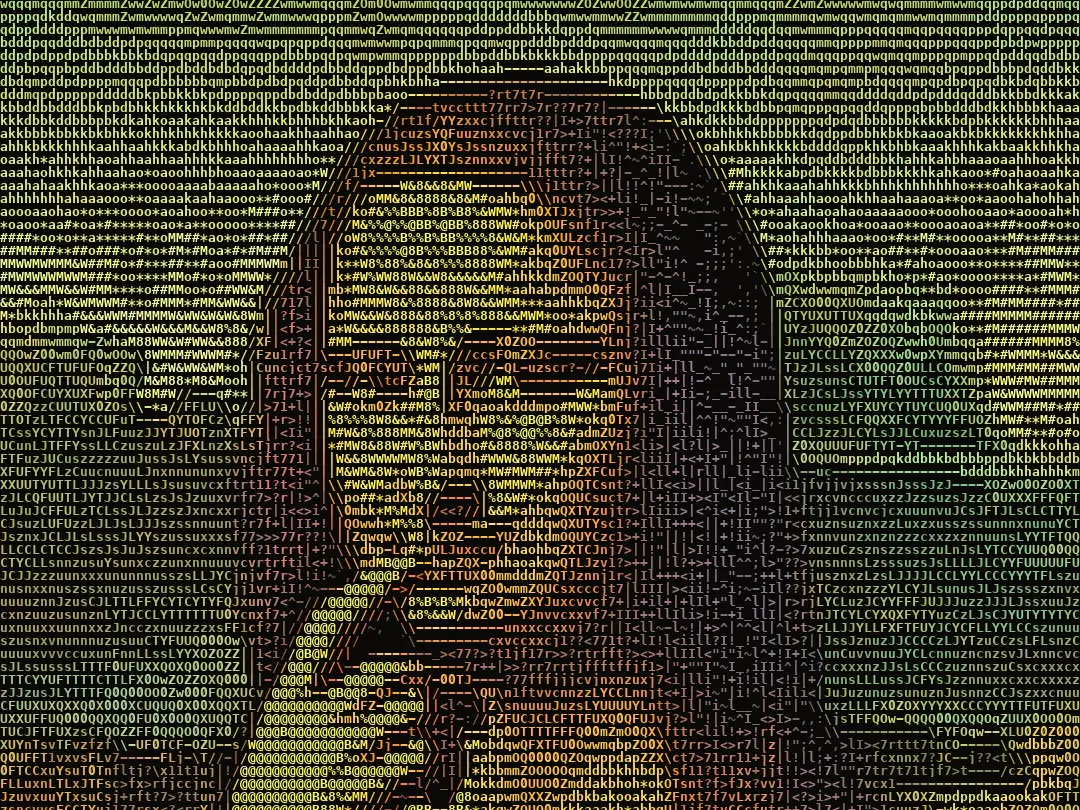
Change the look without making a new video
The source video is saved in your library. Want amber instead of the original colors, or more columns? Choose Render again: only the ASCII render runs and only the render is charged. The same works for videos you already have: in Film Studio's library, every video now has a Turn into ASCII button. For videos longer than 10 seconds, you choose which part becomes ASCII (up to 10 seconds).
What does it cost?
A new film is the 5 second video plus the ASCII render; re-renders and library conversions are the render alone. The app shows the price before you start, and credits are refunded if the video or the render fails. Glyphmation needs a Basic or Pro plan; 240 columns, and GIF and HTML together, are part of Pro. The Glyphmation guide lists the current amounts.
Why ASCII?
Text art has a long history on screens and on paper, and it still reads instantly as "made by a machine, with care". A moving version is harder than it looks: converted naively, the characters shimmer and the picture dissolves. We wrote about that in why stable ASCII video is hard.
Glyphmation is also available from the terminal and from AI assistants through the Yeşilçam CLI and MCP server 0.4.0 (yesilcam glyph create).
Frequently asked
Where do I find Glyphmation? In the app, under Animation → Glyphmation.
Can I try the look for free? Yes. The preview is made in your browser and costs nothing; credits are only used when you create the film.
What is the HTML version for? It plays in any browser as real, selectable text, so you can put it on a website or a portfolio page.