
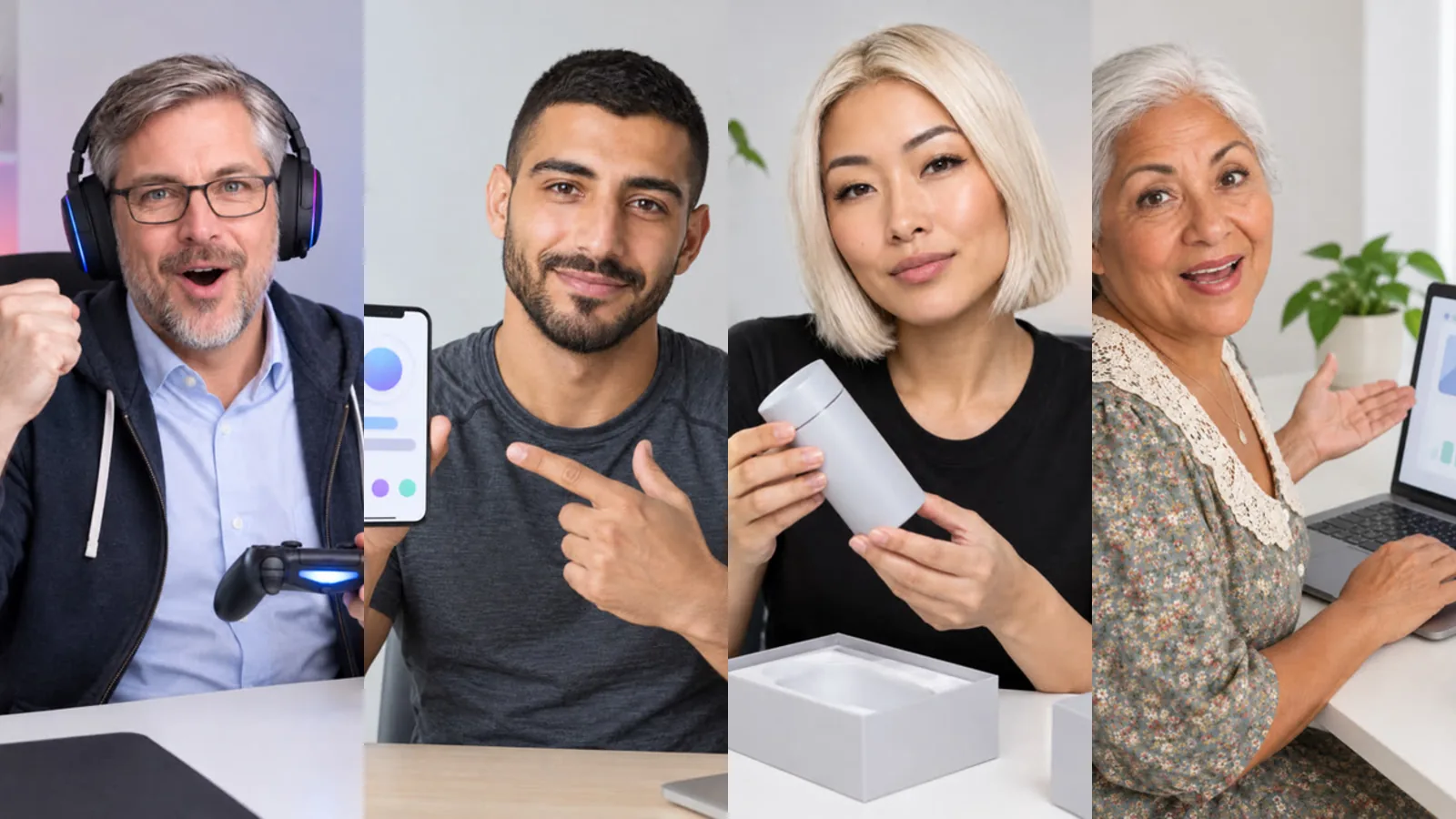
Until now, AI Influencer Studio was built for short clips: a scene, a recreated template, a few sentences to camera. This week it learned to go long, and to work on its own. There are three additions: talking videos with high-quality lip sync, a Long video tab for videos from 15 seconds to 10 minutes, and influencer automation, which turns your industry into scheduled videos with research and sources. Here is what each one does, shown with the kind of product many of our users sell: an app.
1. Talking videos that sound like your character
Your influencer now speaks to camera with natural lip movement, in the voice and language saved with the character. Longer text is split at sentence boundaries into short clips, each one is checked against your script, and the clips are joined into one take. For an app, that is your 20-second pitch: what it does, who it is for, where to get it. The talking video guide covers voices, timing and cost.
2. Long videos, planned with Sam
In the new Long video tab you write a topic or paste a script, choose a length and a format, and Sam drafts a storyboard: chapters, scenes and shots, plus a continuity file so your influencer keeps the same look from the first second to the last. You edit, see the quote, and the video is produced chapter by chapter.
For an app launch, a three-minute video could look like this:
- a talking opener: the problem your app solves, in one sentence,
- three Screen shots using your own screenshots, each with a short narration about one feature,
- a cutaway of someone using a phone on the go, while the narration continues,
- a talking close with the call to action, then your own end card with your logo and link.
Screen shots show your screenshot exactly, with a slow zoom, so prices and interface text stay readable. Subtitles and background music are one click each. See the long video guide for every option.
3. Automation: give the industry, get the videos
This feature started with a request from a customer: "I just want to give my industry; let the AI influencer pick the topics, write the scripts, make the visuals and the video, and I'll publish." That is what influencer automation does. You choose the influencer, the industry, how often and how long, and Sam takes it from there.
The part we are proudest of is the optional guideline. For a tech channel it might read: "Each video, pick one app, research it and present 3 or 4 of its features with sources." Sam then searches the web, keeps only sources it can verify, links each point to a source and gives you the source list with the video. By default you see the topic, script, storyboard and sources first and approve before anything is produced. Setup is explained in the automation guide.
What keeps it safe to leave running?
- A required monthly token cap per automation. When it is reached the automation stops and tells you.
- Approval first by default, with a 7-day window.
- Sensitive topics (health, finance, law) get no definitive claims and a short disclaimer.
- Real products can be named, but logos and real interfaces are not copied, and a not-sponsored note is added when it is not your brand.
- Auto top-up with your saved card is off unless you turn it on, with a monthly limit you choose.
What does it cost?
The automation itself is free. There is no extra subscription: you pay the normal token cost of what it produces, shown as an estimate per video and per month. Short long videos (up to 30 seconds in Economy) work on every plan; longer videos and Premium need Basic, videos over a minute need Pro, and automation needs Basic or Pro. Prices are on the pricing page.
Frequently asked
Does Yeşilçam post the videos for me? No. Videos go to your library and, if you like, to your inbox with a caption, hashtag suggestions and the source list. You publish them yourself.
Can my influencer review a competitor's app? It can name and describe real products using sources, without copying logos or interfaces, and a not-sponsored note is added. Keep comparisons factual and check them before publishing.
Is there a free way to try long videos? Yes. A 15- or 30-second long video in Economy works on the Free plan, paid in tokens from your sign-up balance.