
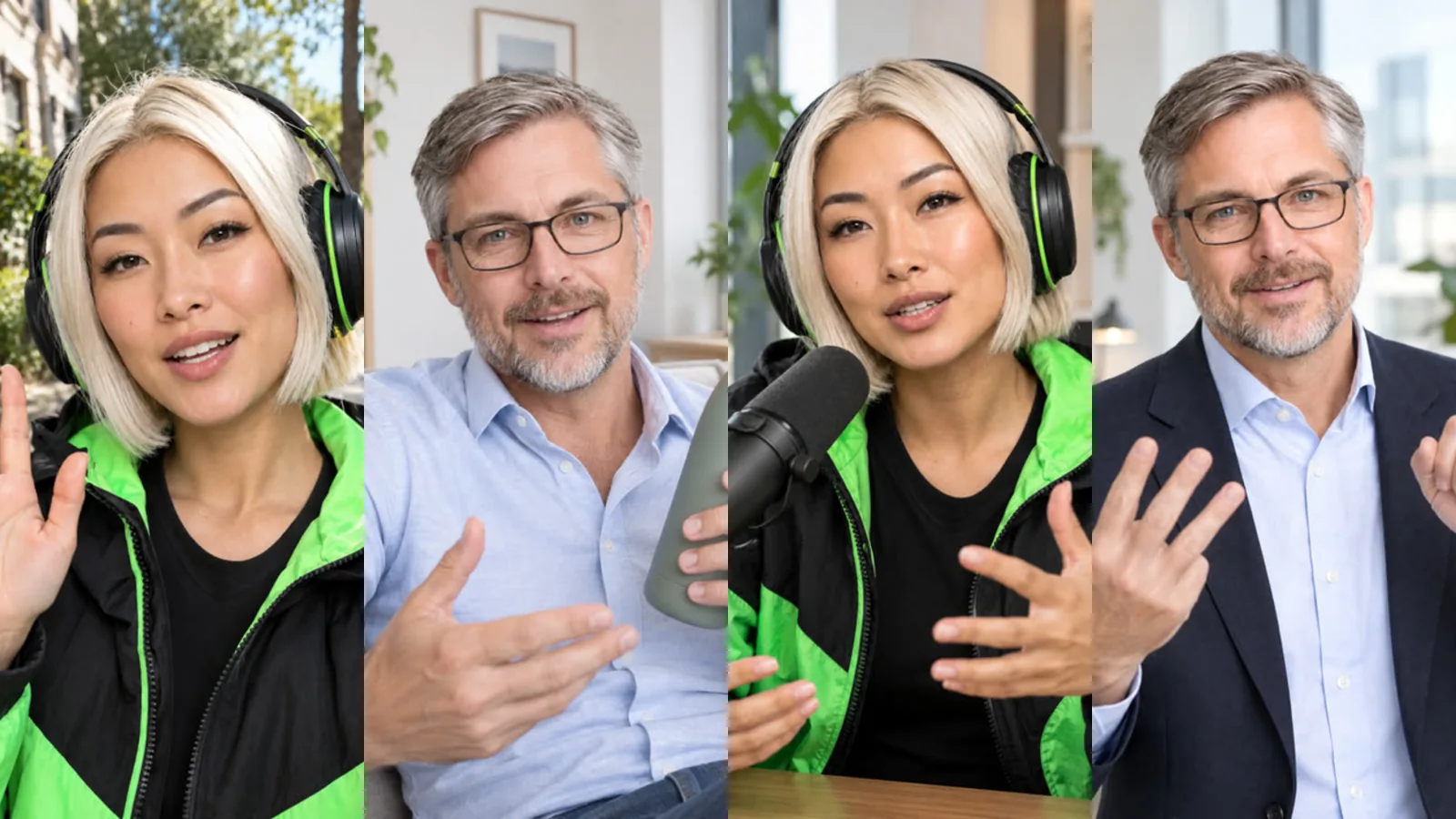
A talking video is the simplest way to put your AI influencer to work: you write what the character should say, and the character says it to camera in its own voice and language, with mouth movements that follow the words. This guide explains how talking videos are made in AI Influencer Studio, what changed with the high-quality method, how to write lines that sound natural, and what it costs.
Where do the voice and language come from?
From the character. When you create an influencer, the "Voice and language" step saves a speaking language (20 languages) and a voice with the character. You can filter the voice library by gender, age and tone and listen to each voice before choosing; if you skip the step, the recommended voice is assigned. On Basic and Pro you can also add your own voice: record or upload at least 30 seconds (up to 5 minutes) of clear speech and confirm that the voice is yours. Only your own voice can be cloned.
Because the voice is stored with the character, the Video tab never asks for it again. To change it, open the character settings and edit "Character voice and language". The change applies to the next videos; videos you already made keep their voice. The creation steps are covered in the creation guide.
How do I make a talking video?
- Open the Video tab and choose Talking video.
- Pick the influencer or library character who should speak. Talking videos use one character.
- Write the text. Sam can help: "Write with Sam" drafts a line from a short description, "Translate with Sam" puts your text into the character's language and "Shorten with Sam" tightens it. The form warns you if the text looks like a different language from the character's.
- Check the plan line under the text. It shows how many clips the text needs, how long the video will be and roughly how long it will take.
- Check the price and start. When the video is ready it is saved to your library.
Why is my text split into several clips?
A single talking clip is at most 8 seconds long. Longer text is split at sentence boundaries into clips of 4, 6 or 8 seconds, so no sentence is cut in the middle. The first clip starts from the character's portrait and each following clip starts from the last frame of the previous one, which keeps the face, outfit and setting steady. Finally the clips are joined with a short, soft transition, and silent pauses at the joins are trimmed so the speech flows as one take.
Each clip goes through three steps. The character is filmed speaking; the speech is converted to the character's saved voice while the timing and lip movement stay as they are; then the spoken words are transcribed and compared with your text. If a clip does not say your text closely enough it is made once more. This check is why a talking video sounds like your character and says what you wrote.
What happens if a clip cannot be made?
Sometimes a clip is refused by a content filter or keeps missing the text. In that case the video is finished with a backup method: your character's voice is generated first and a talking portrait is animated to it. The result still uses the same voice and text. When the backup is used, a note appears in your history ("This video was made with the backup method") and the price difference is refunded once the video is delivered. If the backup also fails, the whole job is refunded.
Can scene videos talk too?
Yes. In scene and template videos the "Speech" section has three choices: none, voice-over and lip sync. Voice-over lays the character's voice over any video, and in a scene with several characters each character can have its own line. Lip sync makes one character speak to camera.
Lip sync in a scene uses the high-quality method when three conditions are met: one character, a 9:16 or 16:9 video, and a line that fits the clip (about 5 seconds of speech in a 5-second scene, which is filmed as a 6-second clip, or about 7 seconds in a 10-second scene, filmed as an 8-second clip). The studio first draws a start frame with your character, outfit, location, product or screenshot, then films the character speaking and converts the voice. If the video is square or the line is longer, standard lip sync is used instead. The form tells you which method applies before you start. Scenes marked "Good for talking" give the best results because the face is large and clear.
How do I write lines that sound natural?
- Write as you would speak: short sentences, one idea each. Sentence ends are where clips can be split, so clear punctuation helps.
- Keep the text in the character's language. Use "Translate with Sam" instead of mixing languages in one line.
- Read brand and product names aloud. If a name is often mispronounced, spell it the way it sounds.
- Avoid long lists of numbers and web addresses in speech. Put the address in the caption or on an end card instead.
- For anything longer than about a minute, or if you want cutaways between the talking parts, use the Long video tab.
How much does it cost?
Talking videos are priced per second of finished video. The base price is 45,559 tokens per second and your plan multiplier applies (Pro ×0.8, Basic ×1, Free ×1.3). An 8-second talking video costs 291,584 tokens on Pro. In scenes, high-quality lip sync adds a start frame (base 29,167 tokens in Draft, 37,917 in Standard) to the talking clip. The exact amount is always shown before you start, failed jobs are refunded automatically, and current prices are on the pricing page.
Plan on about two minutes per clip. A 15-second text that becomes three clips takes about six to seven minutes; the form shows an estimate, and you can leave the page while it is made.
Frequently asked
Can my AI influencer speak in my own voice? Yes, on Basic and Pro. Add your voice in the character's voice settings with at least 30 seconds of clear speech and confirm it is yours. Only your own voice can be cloned, and it is used only in your account.
Why does the video sometimes come out a little longer than my text? Clips are 4, 6 or 8 seconds long and leave a short breath at the start and end. The plan line under the text shows the final length before you start.
Can two characters talk to each other? In a scene video, yes, with voice-over: each of up to three characters can have its own line in its own voice. Lip sync and talking videos use one character.
Is a talking video watermarked? Outputs on the Free plan carry a small watermark; Basic and Pro outputs do not.