
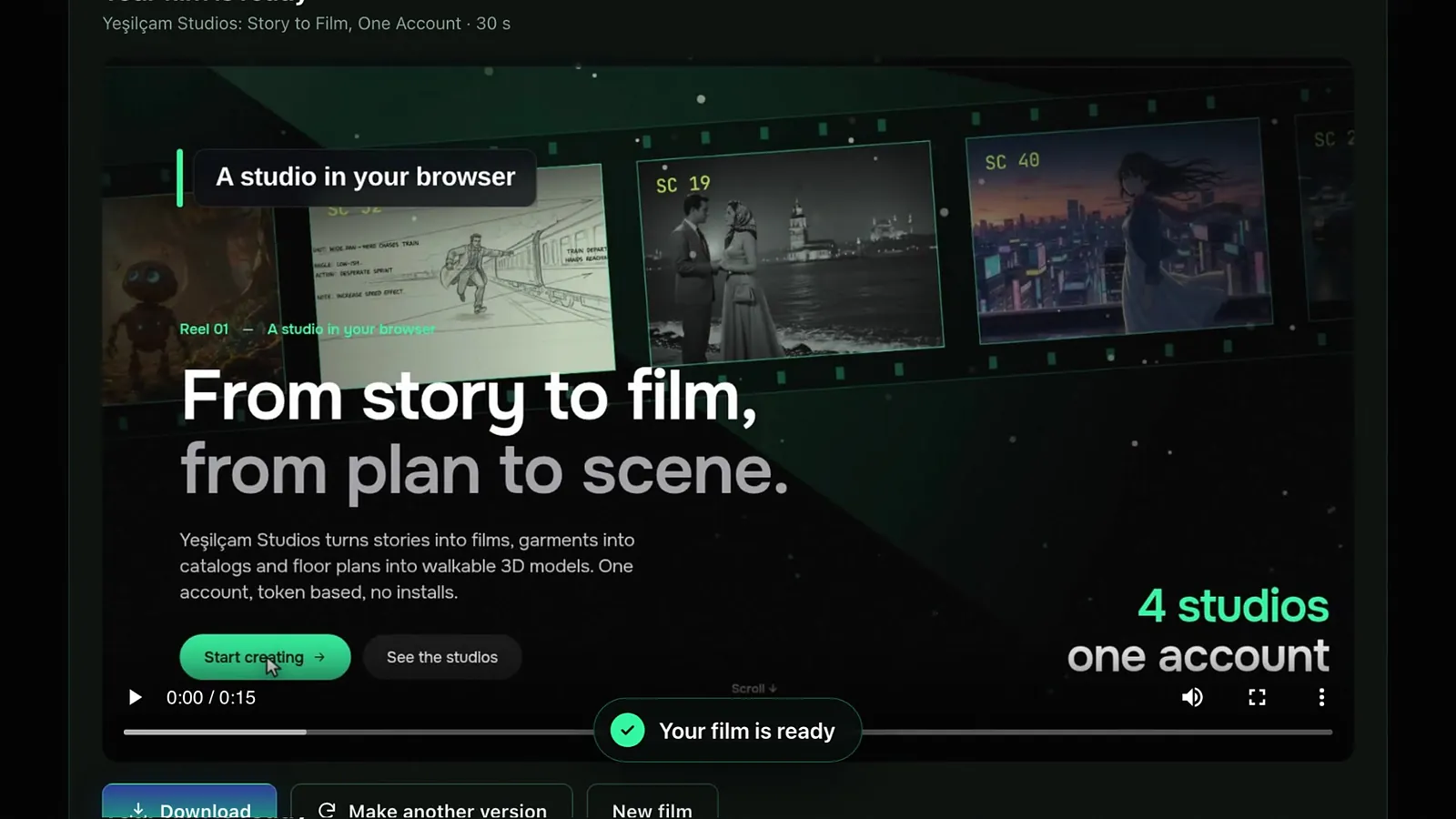
Website Promo is a Film Studio template that makes a promo film from your website. You enter the site address, the studio reads your pages, writes a script with scenes, and after your approval records your real pages with narration, music, captions and camera moves. Films run from 15 to 90 seconds in five formats.
Where do you start?
Open Film Studio › Create at /app/studio, choose the Templates tab and press "Create a film" on the wide Website Promo card. Your projects are listed under "My promo films", so you can leave the page at any step and come back.
What do you set up first?
- Website address: a public http or https address. Local or private network addresses cannot be used.
- Film language.
- Length: 15, 30, 45, 60 or 90 seconds.
- Format: Horizontal 16:9, Vertical 9:16, Square 1:1, Portrait 4:5 or Cinematic 21:9. Vertical and portrait films are shot from the mobile version of your site.
- Narration on or off, and one of six voices, such as warm, energetic, calm narrator or deep trailer.
- Music on or off, and one of six styles; the music is composed to the length of the film.
- Tier: Standard uses real footage of your site with motion graphics; Cinema adds up to three generated cinematic shots and needs a subscription.
- Your brief: who the film is for, the message, and what to show. Leave it empty and the studio picks the strongest story your site supports.
How do you write a good brief?
- Name one audience: small businesses, new visitors, existing customers.
- Name one message: pricing and the free plan, how the product works in three steps, the three strongest features.
- Name the tone: calm and reassuring, energetic, warm and personal.
- Say how the film should end, for example with a call to sign up.
What does "Improve with Sam" do?
Sam reads your home page, sharpens your brief and suggests the pages to focus on. The suggested pages appear as "Pages Sam will focus on"; remove any you do not want. The first three uses each day are free; after that each use costs 8,751 tokens. Enter the address first, so Sam has something to read.
How do you review the script?
Press "Write the script". The site is crawled and the scenes are written; this usually takes one to three minutes. You then see the storyboard:
- An opening card and a closing card with headline, subheadline, call to action and the address shown.
- Scenes, each a site shot or a cinematic shot, with an on-screen caption, narration, camera, section and zoom, and an optional cursor.
- An estimated length against the target. If the narration runs long, you are warned; a film far over the target cannot be produced until you shorten it.
You can edit texts, reorder or delete scenes, and preview a scene. The first three scene previews are free. "Rewrite with a new note" asks for a new version of the script: the first rewrite is free, later ones cost the script price.
What happens during production?
Press "Produce the film" and confirm. Narration and music are made first, then your pages are recorded scene by scene and edited together. Production takes a few minutes depending on the length; you may leave the page. When it is ready, download the MP4 or "Make another version".
To change one scene afterwards, edit it and press "Re-render this scene". Only that scene is shot again; the other scenes and the music are reused, and the previous version is kept under Versions.
What does it cost?
The script is charged when you start; the film is charged only when you approve the script and start production. Live list prices (Basic plan, ×1.0):
| Item | Tokens | About |
|---|---|---|
| Script | 58,334 | $0.35 |
| Film, 15 s | 23,334 | $0.14 |
| Film, 30 s | 37,917 | $0.23 |
| Film, 45 s | 55,417 | $0.33 |
| Film, 60 s | 72,917 | $0.44 |
| Film, 90 s | 107,917 | $0.65 |
| Cinematic shot (Cinema tier), each | 175,001 | $1.05 |
| Scene re-render | 8,751 | $0.05 |
| Improve with Sam (after 3 free per day) | 8,751 | $0.05 |
A 30-second Standard film is therefore about 96,251 tokens, roughly $0.58. Free pays ×1.3, Pro ×0.8. For how this compares with an agency or freelancer, see promo video prices in 2026; current prices are always on the pricing page.
What can go wrong, and what is refunded?
- The site cannot be reached, or it blocks automated visitors: the script fee is refunded.
- The script cannot be written: the fee is refunded.
- The film cannot be rendered: the production fee is refunded.
- The voice service is unavailable: production does not start and nothing is charged.
- A preview or re-render fails: its fee is refunded.
Pages with heavy animation take longer to record. If you also make product videos, a scrolling page from an Assemble video is covered in the Website Studio guide. Plans and token packs are explained in tokens and plans.
Frequently asked
Is the film charged before I see the script? No. Only the script is charged at the start. The film is charged when you approve the script and start production.
Can I make a vertical film for social media? Yes. Choose Vertical 9:16 or Portrait 4:5; these are recorded from the mobile version of your site.
Can I change one scene without paying for the whole film again? Yes. "Re-render this scene" shoots only that scene for a small fee and keeps the rest.
Do I need a subscription? Not for Standard. The Cinema tier, which adds generated cinematic shots, needs a Basic or Pro subscription.
What if my site blocks automated visitors? The film cannot be recorded and the script fee is refunded automatically.