
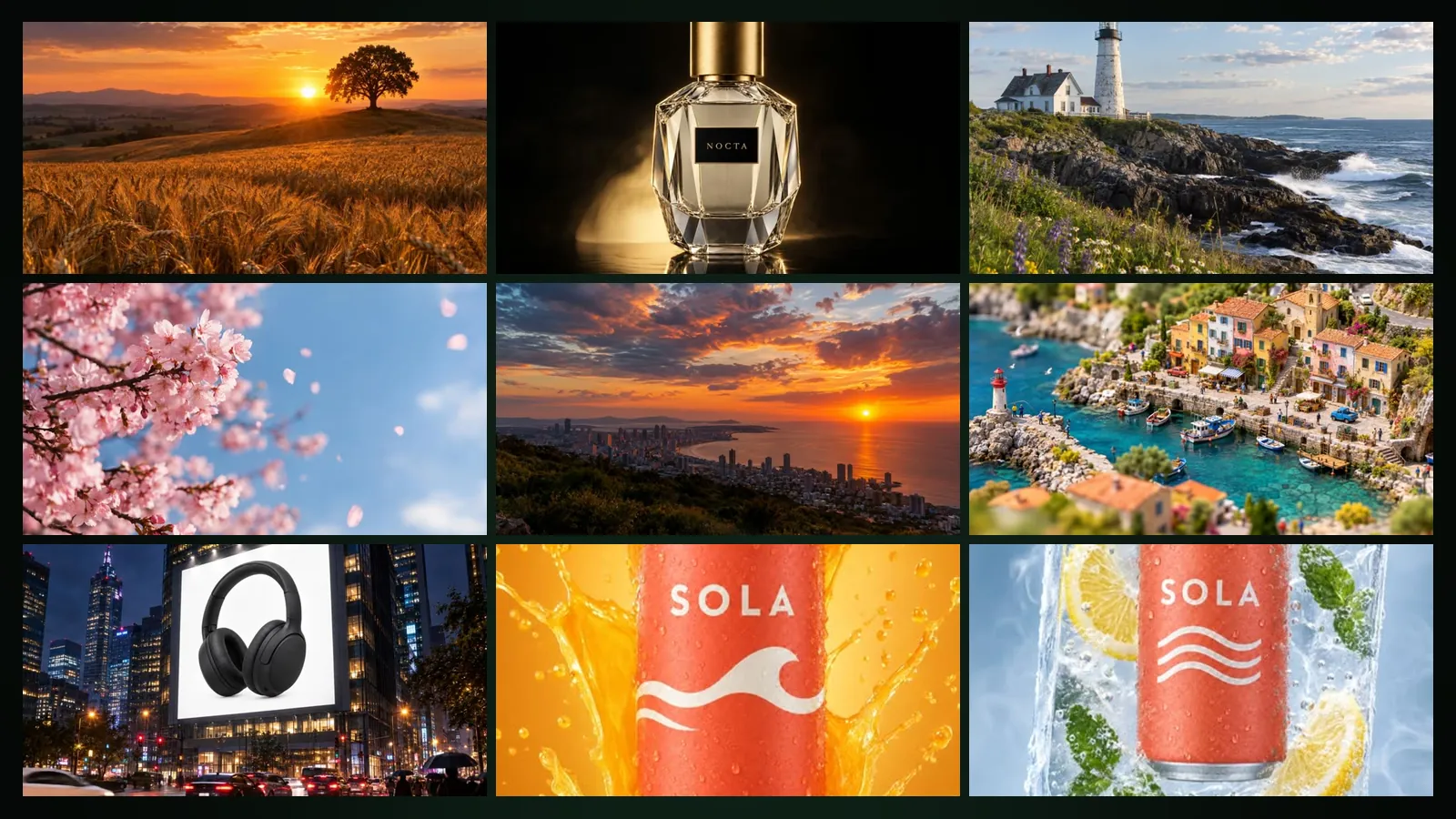
Video templates are ready-made recipes in Film Studio: you pick a card, fill in zero to three short fields, add a photo or a clip if the template asks for one, and get a 5- or 10-second video. As of October 2026 there are 44 templates in five categories. The prompt is written for you; your own direction is optional.
Where are the templates?
Open Film Studio › Create at /app/studio. The page has two tabs: Templates and Custom. Templates shows the categories and cards; hover over a card to see its sample video. Custom is the free-form video form, where you write your own prompt, use your own image or select characters.
Which categories are there?
| Category | Templates | How it works |
|---|---|---|
| Product Ads | 11 | Image-then-video chain from your product photo; plus Assemble / Disassemble with its own flow |
| UGC Style | 6 | Image-then-video chain that feels like a real customer clip |
| Cinematic Camera | 9 | Animates your own image with a camera move; without an image, made from the fields |
| Social Trends | 6 | Fun transformations, mostly chained; Old Photo Comes Alive animates your photo |
| Video Restyle | 12 | Keeps the motion of your clip and changes its look |
Examples: Product Ads includes Ice Cube Hover, Splash, Turntable 360, Unboxing Reveal and City Billboard. UGC Style includes Hand Hold, Mirror Selfie and Talking Review. Cinematic Camera includes FPV Dive, Hero Orbit, Drone Reveal, Dolly Zoom and Parallax Photo (2.5D). Social Trends includes Action Figure Unbox, Pet Astronaut and Tiny World. Video Restyle includes Pencil Sketch, Film Noir, Anime, Claymation and Watercolour.
Assemble / Disassemble opens its own form with flows and camera orbits; see its guide.
How does the image-then-video chain work?
Chained templates (Product Ads, UGC Style and most Social Trends) work in two steps in one order:
- A keyframe image is made from the template, your fields and your reference photos. The product or person in your photos is kept.
- That keyframe is turned into video automatically with the template's motion.
You pay once, at the start, and the price covers both steps: a Standard image, a small fee per reference photo, and the video at the tier and length you choose. If the image step fails, the video step is cancelled and everything is refunded. Live list prices (Basic plan, ×1.0):
| Item | Tokens | About |
|---|---|---|
| Keyframe image (Standard) | 16,042 | $0.10 |
| Reference photo, each | 2,626 | $0.02 |
| Video, Draft, 5 s | 122,501 | $0.74 |
| Video, Standard, 5 s | 166,251 | $1.00 |
A Draft 5-second chained video with one product photo is about 141,169 tokens, roughly $0.85. Cinema and Cinema Pro tiers (4, 6 or 8 seconds) are available to subscribers.
How do image templates work?
Cinematic Camera templates animate your own image with a fixed camera move. Add an image from your library or upload one; without an image, these templates make the video from the fields you fill in, so the first field is required. Only the video is charged. When choosing between a still and a description, text-to-video versus image-to-video explains the trade-offs.
How does Video Restyle work?
Restyle keeps the motion and composition of your own clip and changes only its look, for example into a pencil sketch, film noir or claymation.
- Upload a clip of 1 to 10 seconds, up to 15 MB, as MP4 or MOV.
- Choose Draft or Standard.
- The result follows the length of your clip. Clips of about 5 seconds or less are priced at the 5-second rate, longer ones at the 10-second rate.
- Videos with real people may be rejected; a rejected job is refunded.
| Restyle | 5 s | 10 s |
|---|---|---|
| Draft | 189,584 tokens (about $1.14) | 379,168 tokens (about $2.28) |
| Standard | 247,917 tokens (about $1.49) | 495,834 tokens (about $2.98) |
Where do the results go?
Every template job appears in the job queue while it runs and lands in your library when it is ready. With a chained template the keyframe image is kept as well, so you can reuse it, for example animate it again with a different motion in the Custom tab. If a job fails at any step, its tokens are refunded and the queue shows what happened.
How do you get a good result from a template?
- Use a sharp photo where the product or person is clearly visible; the keyframe keeps what it can see.
- Keep fields short and concrete: a colour, a place, a slogan.
- Text in the video (billboards, posters) is rendered as written, with diacritics; check the spelling before you generate.
- Use "Your own direction" for one extra wish, such as light snow in the background, and the Avoid field for what you do not want.
- Do not use real people's names, celebrities, brands you do not own or copyrighted characters.
Free pays ×1.3 and Pro ×0.8 of the prices above. Failed jobs are refunded automatically. Current prices are on the pricing page. To put your own saved characters into a clip, use character video instead of a template.
Frequently asked
Do I pay twice for a chained template? No. You pay once at the start; the price covers both the keyframe image and the video.
What happens if the keyframe fails? The video step is cancelled and all tokens for both steps are refunded.
How long can a restyle clip be? Between 1 and 10 seconds, up to 15 MB, as MP4 or MOV. The result follows the length of your clip.
Can I write my own prompt instead of using a template? Yes. Switch to the Custom tab for the free-form video form.
Are Cinema tiers available in templates? Yes, for image and chained templates, with a Basic or Pro subscription. Restyle offers Draft and Standard.